
Tag: Recording Studio Tech
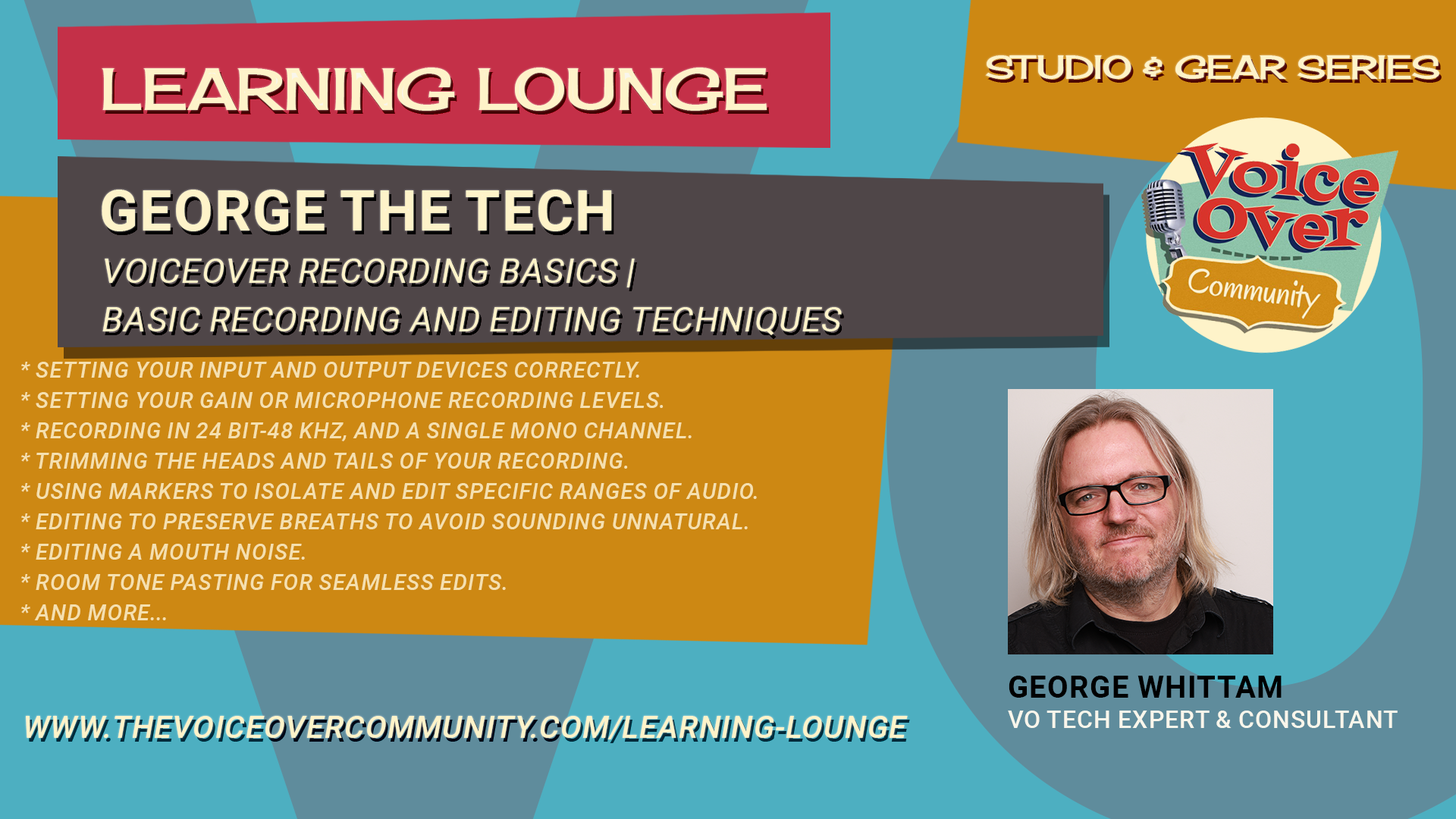
Voiceover Recording Basics | Basic Recording and Editing Techniques
Learn from George Whittam how to start recording and editing your voiceover. The software used in the training is George’s preference for voice actors, TwistedWave. The techniques will apply to any basic editing software, such as Adobe Audition Waveform mode or Audacity. Covered in this 45 min video are the following concepts:
Setting your input and output devices correctly.
Setting your gain or microphone recording levels.
Recording in 24 bit-48 kHz, and a single mono channel.
Trimming the heads and tails of your recording.
Using markers to isolate and edit specific ranges of audio.
Editing to preserve breaths to avoid sounding unnatural.
Editing a mouth noise.
Room tone pasting for seamless edits.
Normalizing the file before delivering it.
Save your raw audio files in WAV or MP3 format.
Processing audio guidelines for auditions.

Voiceover Recording Basics | Finding A Space to Record Voiceover
Do you want to learn how to find a recording space for voiceover in your home?
Do you want to know how to avoid common mistakes and get the best sound quality possible?
If so, you need to watch this video! In this video, you will discover the secrets of acoustics and how sound behaves in different spaces.
You will learn how to:
Choose the right space for your recording studio, whether it’s a room, a closet, or a booth
Eliminate reverb, the unwanted echo that makes your voice sound distant and hollow
Use sound blankets, moving blankets, or furniture pads to create a tent that absorbs sound and reduces reflections
Avoid resonance or ringing, the annoying noise that occurs when sound waves bounce off hard surfaces in small spaces
Find out which blankets and other materials work best for damping sound and creating a dead or dry sound
By following these tips, you will be able to create a professional-sounding recording studio in your home without spending a fortune. You will also get access to more resources and recommendations that will help you improve your voiceover skills and career. Don’t miss this chance to learn from George Whittam and set up your own recording studio for voiceover.
Watch this video now and get ready to record!

Voiceover Recording Basics | Choosing Your First Voiceover Microphone
Do you want to sound like a pro in your voiceover recordings?
Then you need to know how to pick the right microphone for your voice and your booth. Join George as he reveals the secrets of microphone selection and usage for voiceover. He will show you the difference between dynamic and condenser microphones, and how they capture the nuances and flaws of your voice. He will also demonstrate some of the most popular and trusted brands in the industry, such as Audio Technica, Rode, and Shure, and give you tips on how to get the best sound quality from them.
Don’t miss this chance to learn from the expert and boost your voiceover career!
Watch this video now and get ready to record!

Voiceover Recording Basics | Meet George and An Intro to VO Recording
Now more than ever before, a voiceover home studio has become part and parcel to the art and craft of voice acting.
Gone are the good ol’ days of walking into your agent’s office to be directed and recorded on an audition.
How you start into creation of your personal voiceover studio will determine how much time and money you save or lose.
With this list of Top 10 Things to Know Before Starting Your VO Home Studio…
I hope to steer you in the right direction from the start. Sorry, there is no TL;DR version.
Reaper for Voiceover | Advanced with Steven Gonzales
We’re welcoming master of Reaper Steven Gonzales to teach this two part webinar with GTT!
This Advanced class is for voice actors and audio producers who are comfortable with Reaper but want to learn more ways to streamline production and make use of FX processing.
Steven Gonzales has been a professional audio engineer since 1987 and a voice talent specializing in e-Learning since 2005. He started VO audio engineering in 2007. His first digital audio workstation (DAW) was Cool Edit… all versions! He has also used such DAW’s as Pro Tools, Adobe Audition, TwistedWave, Audacity, Soundforge, and others.
During his time as a Mardi Gras Ball DJ, Steven used WinAmp. In 2006, the creators of WinAmp, now known as Cockos, launched their own DAW, REAPER, which he discovered about ten years ago and decided to give it a try. He never looked back. Steven continues to use REAPER as his go-to DAW. He has used his experience and research to help others either launch their VO career using REAPER or to assist established voice talent in migrating to it.
Learn more about Steve Gonzales
Website: https://stevengonzalesvo.com/
Facebook: https://www.facebook.com/stevengonzalesvo
LinkedIn: https://www.linkedin.com/in/stevengonzalesvo/
Topics covered in Advanced Webinar:
File Organization while using REAPER
Building and Using Various Templates
Multi-Track Projects
Markers and Regions
Folder Tracks
Setting up Effective FX Chains
Custom Actions
Eliminating Breaths… or at least Mitigating Them
Razor Editing
Controllers (like the Contour Design ShuttlePro v2)
Using fades/crossfades effectively
Tastefully using time stretching
Rendering Different Sound Files at the Same Time

Reaper for Voiceover | Beginners with Steven Gonzales
We’re welcoming master of Reaper Steven Gonzales to teach this two part webinar with GTT!
This Beginners class will educate voice actors about using the powerful and customizable DAW Reaper to record their voiceover audio.
Steven Gonzales has been a professional audio engineer since 1987 and a voice talent specializing in e-Learning since 2005. He started VO audio engineering in 2007. His first digital audio workstation (DAW) was Cool Edit… all versions! He has also used such DAW’s as Pro Tools, Adobe Audition, TwistedWave, Audacity, Soundforge, and others.
During his time as a Mardi Gras Ball DJ, Steven used WinAmp. In 2006, the creators of WinAmp, now known as Cockos, launched their own DAW, REAPER, which he discovered about ten years ago and decided to give it a try. He never looked back. Steven continues to use REAPER as his go-to DAW. He has used his experience and research to help others either launch their VO career using REAPER or to assist established voice talent in migrating to it.
Learn more about Steve Gonzales
Website: https://stevengonzalesvo.com/
Facebook: https://www.facebook.com/stevengonzalesvo
LinkedIn: https://www.linkedin.com/in/stevengonzalesvo/
Topics covered in Beginner Webinar:
What is REAPER? Why is it all in caps when you see it in the website?
What is “non-destructive” editing?
Downloading, installing and “purchasing” REAPER
Keeping REAPER updated (or should you?)
Configuring your audio hardware
Helpful settings in Project Settings and Preferences (just the basics)
Learning the user interface
Setting levels with the meter
Setting up Reaper for efficient voiceover recording and editings
Handy keyboard shortcuts
Recording Audio, Pickups, and Punch and Roll
The Basic REAPER Project Structure
Basic editing tools
Pre vs. Post FX Chains
The Render window: how to give what the client wants
File formats for saving, MP3 settings

Adobe Audition for Voiceover | Adobe Audition Equalizers
Learn to use all of the equalizer and tone processing plugins included with Adobe Audition CC (2017 and newer). EQ processing controls how different parts of your voice sound, from low chest resonance to crips detail. For example: Reduce annoying “rumble” with a high-pass filter, add richness to the voice with a graphic EQ, and make surgical adjustments with a parametric EQ.
George will show you how to tune each plugin with examples you can hear in full studio quality. You’ll know how to set your plugins quickly for good results, and have a better understanding of what controls in each plugin down and how they affect the sound.
Here are all of the different EQ plugins you’ll learn in this training module:
FFT Filter
Graphic EQ (10, 20, and 30 bands)
Notch Filter
Parametric EQ
Scientific Filter
Mastering EQ
Vocal Enhancer
Bonus: Multiband Compressor (a secret EQ!)

Adobe Audition for Voiceover | Adobe Audition Dynamics
Learn to use all of the dynamics processing plugins included with Adobe Audition CC (2017 and newer). Dynamics processing controls how much your voice and room tone will change in volume from the loudest to the softest sounds. For example: You can keep those “spikes in your waveform” at bay with a compressor, tame sibilance with a de-esser, and make the finished audio sound louder with a limiter.
George will show you how to tune each plugin with examples you can hear in full studio quality.
You’ll know how to set your plugins quickly for good results, and have a better understanding of what controls in each plugin down and how they affect the sound.
Here are all of the different dynamics plugins you’ll learn in this training module:
Amplify
De-esser
Dynamics
Dynamics Processing
Fade Envelope
Gain Envelope
Hard Limiter
Multiband Compressor
Normalize
Single-band Compressor
Speech Volume Leveler
Tube-modeled Compressor
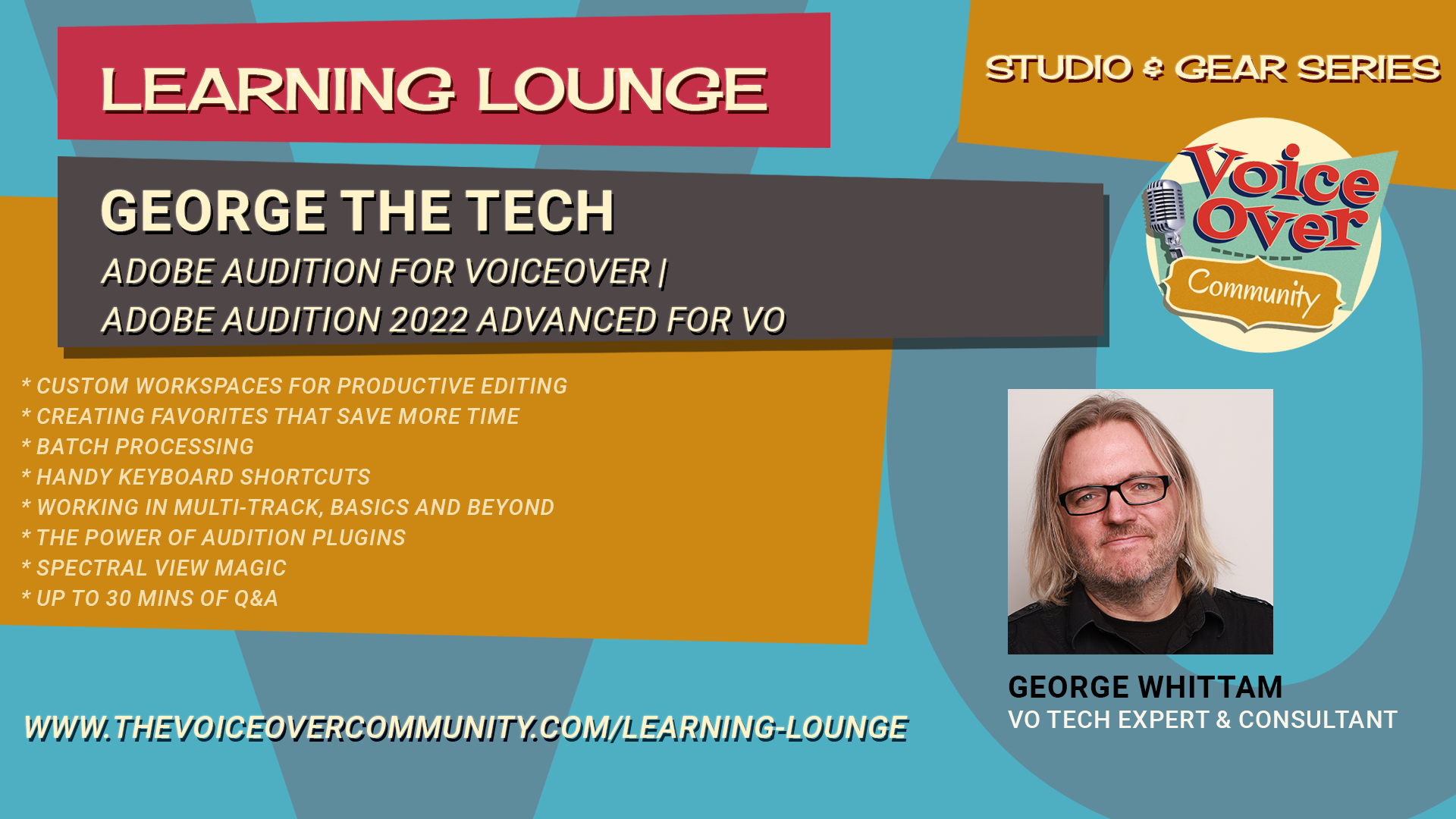
Adobe Audition for Voiceover | Adobe Audition 2022 Advanced for VO
This webinar is intended for any voice actor that wants to go deeper into the features and customization of Adobe Audition. George will cover topics specific to the needs of voice actors or anyone recording spoken word.
Preparation:
Audition user experience or Audition for VO Primer Webinar
Windows 10, 11
Mac OS High Sierra or higher
Audio interface
Microphone (or USB mic)
Headphones
AGENDA:
Custom Workspaces for productive editing
Creating favorites that save more time
Batch processing
Handy keyboard shortcuts
Working in Multi-track, basics and beyond
The power of Audition plugins
Spectral view magic
up to 30 mins of Q&A