About Bundle
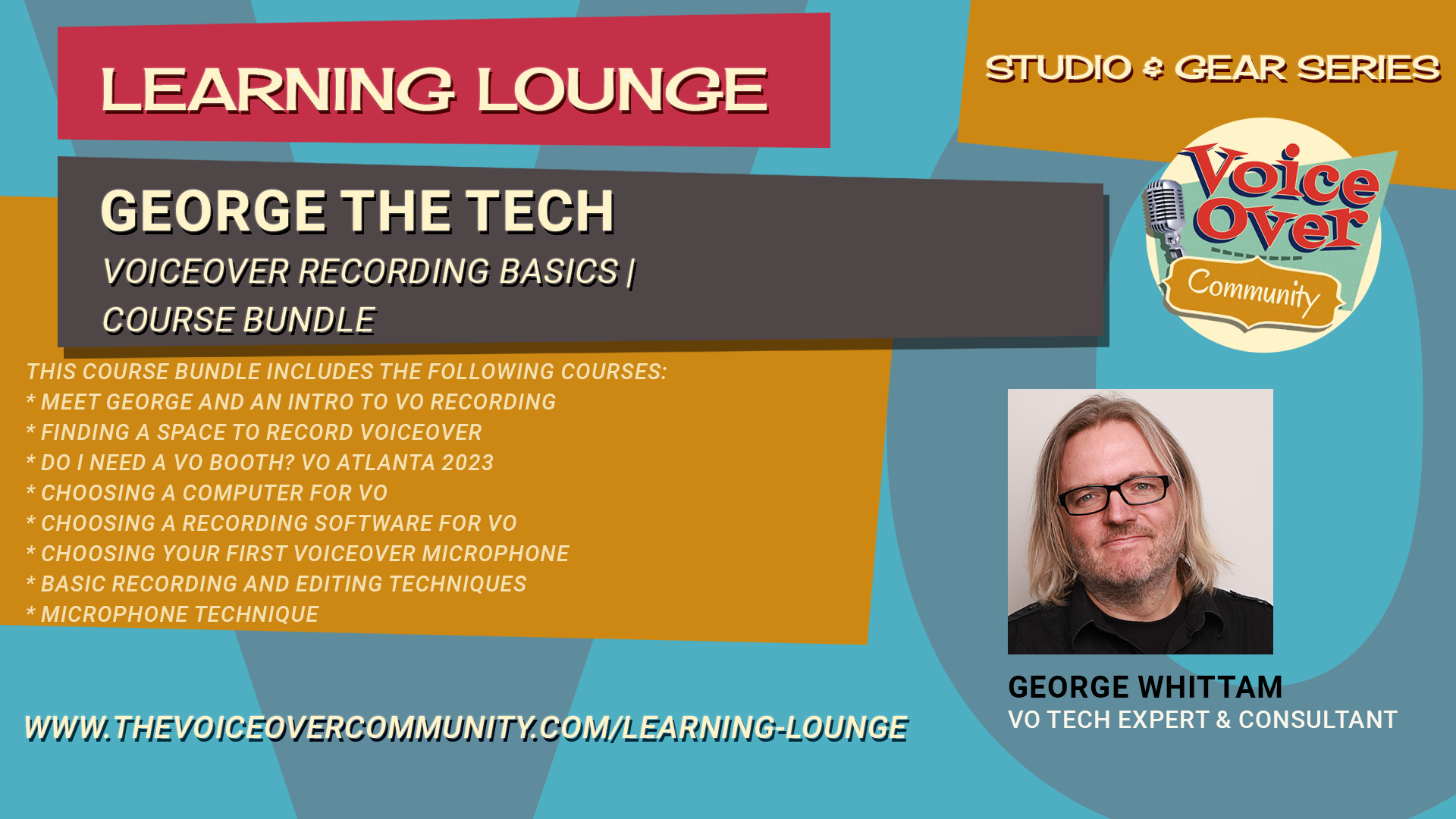
This course bundle includes the following courses:
Meet George and An Intro to VO Recording
Now more than ever before, a voiceover home studio has become part and parcel to the art and craft of voice acting.
Gone are the good ol’ days of walking into your agent’s office to be directed and recorded on an audition.
How you start into creation of your personal voiceover studio will determine how much time and money you save or lose.
With this list of Top 10 Things to Know Before Starting Your VO Home Studio…
I hope to steer you in the right direction from the start. Sorry, there is no TL;DR version.
00:00 Introduction to George the Tech
00:24 Essential Elements of a Home Studio
01:20 Importance of Room Acoustics
03:23 Mastering Mic Technique
05:27 Managing Noise Levels
08:28 Choosing the Right Microphone
12:38 Selecting an Audio Interface
14:44 Audio Processing Basics
15:46 Editing Skills for Voiceover
17:19 Recording Software Options
20:37 Choosing the Right Computer
22:49 Staying Organized
23:27 Conclusion and Final Tips
Finding A Space to Record Voiceover
Do you want to learn how to find a recording space for voiceover in your home?
Do you want to know how to avoid common mistakes and get the best sound quality possible?
If so, you need to watch this video! In this video, you will discover the secrets of acoustics and how sound behaves in different spaces.
You will learn how to:
Choose the right space for your recording studio, whether it’s a room, a closet, or a booth
Eliminate reverb, the unwanted echo that makes your voice sound distant and hollow
Use sound blankets, moving blankets, or furniture pads to create a tent that absorbs sound and reduces reflections
Avoid resonance or ringing, the annoying noise that occurs when sound waves bounce off hard surfaces in small spaces
Find out which blankets and other materials work best for damping sound and creating a dead or dry sound
By following these tips, you will be able to create a professional-sounding recording studio in your home without spending a fortune. You will also get access to more resources and recommendations that will help you improve your voiceover skills and career. Don’t miss this chance to learn from George Whittam and set up your own recording studio for voiceover.
Watch this video now and get ready to record!
Do I Need a VO Booth? VO Atlanta 2023
Investing in a voiceover booth? Wait! George the Tech reveals interesting facts about VO booths, soundproofing and much more!
* Understanding the Concept of a Booth
* The Concept of Quiet on Demand
* The Role of Acoustic Treatment
* The Role of Noise Reduction Tools
* The Impact of Microphone Choice on Noise
* Comparing Waves Clarity VX and NS1
* Setting Up Filters and Using Bertom deNoiser
* Understanding the Concept of ‘Too Quiet’
* Editing Techniques for Better Audio
* Understanding the Role of Booths in Audio Recording
* Dealing with Noise from Air Conditioning
Choosing a Computer for VO
Want to learn how to choose the right computer systems for recording your voiceovers?
Learn from an expert who has supported thousands of voiceover actors with their home studios!
Discover the pros and cons of Mac and PC systems, the performance and specifications you need, the audio and software compatibility issues, the portability options, the graphics and display features, and the connectivity options.
Watch this video now and get ready to record!
00:00 Introduction to Choosing the Right Computer for Voiceovers
01:58 Setting Your Budget
03:27 Apple Computers: Pros and Cons
04:18 PCs: What to Watch Out For
06:10 Mac vs. PC: Which is Better for You?
17:03 Performance and Specifications
21:11 Audio Interface Compatibility
25:57 Portability and Display Options
31:31 Connectivity and Ports
32:51 Conclusion and Final Thoughts
Choosing a Recording Software for VO
Do you want to learn how to choose the right software for recording your voiceovers?
Learn from an expert who has supported thousands of voiceover actors with their home studios!
Discover the pros and cons of the most popular options, such as Adobe Audition, TwistedWave, Audacity and Reaper.
Watch this video now and get ready to record!
00:00 Introduction to Voiceover Recording Software
00:53 Popular DAWs for Voiceover
03:30 Adobe Audition Overview
09:55 TwistedWave Overview
15:22 Audacity Overview
20:24 Reaper Overview
25:33 Conclusion and Final Thoughts
Choosing Your First Voiceover Microphone
Do you want to sound like a pro in your voiceover recordings?
Then you need to know how to pick the right microphone for your voice and your booth. Join George as he reveals the secrets of microphone selection and usage for voiceover. He will show you the difference between dynamic and condenser microphones, and how they capture the nuances and flaws of your voice. He will also demonstrate some of the most popular and trusted brands in the industry, such as Audio Technica, Rode, and Shure, and give you tips on how to get the best sound quality from them.
Don’t miss this chance to learn from the expert and boost your voiceover career!
Watch this video now and get ready to record!
00:00 Introduction and Importance of Microphones
00:27 Understanding Microphone Sensitivity
02:25 Dynamic vs. Condenser Microphones
03:21 Testing the Shure SM58 Dynamic Microphone
08:37 Comparing Condenser Microphones: Audio Technica 2035
13:03 Exploring Shotgun Microphones
18:31 High-End Shotgun Microphones: Rode NTG5
25:17 USB Microphones: Rode NT-USB Plus
29:20 Conclusion and Final Thoughts
Basic Recording and Editing Techniques
Learn from George Whittam how to start recording and editing your voiceover. The software used in the training is George’s preference for voice actors, TwistedWave. The techniques will apply to any basic editing software, such as Adobe Audition Waveform mode or Audacity. Covered in this 45 min video are the following concepts:
Setting your input and output devices correctly.
Setting your gain or microphone recording levels.
Recording in 24 bit-48 kHz, and a single mono channel.
Trimming the heads and tails of your recording.
Using markers to isolate and edit specific ranges of audio.
Editing to preserve breaths to avoid sounding unnatural.
Editing a mouth noise.
Room tone pasting for seamless edits.
Normalizing the file before delivering it.
Save your raw audio files in WAV or MP3 format.
Processing audio guidelines for auditions.
Microphone Technique
Do you want to learn microphone techniques for optimal sound recording quality?
George the Tech discusses the importance of proper microphone placement, demonstrates various mic setups (both positive and negative), and explains how the direction of speaking into the mic affects the recording. Other topics include managing plosives (consonant sounds that can cause audio issues), differences between varying microphone types, and corrective measures for common microphone mistakes.
Watch this video now and get ready to record!
00:00 GTT Module: Microphone Technique
00:03 Intro
01:03 Above and upside down
02:24 Off-axis
04:55 Proximity
05:45 Plosives
06:45 Distance
09:20 Floor stand (no boom)
11:33 Correct side of the mic
13:31 The wrong side of the mic
14:43 Shotgun mics
16:32 What it’s supposed to sound like!
Practical Personal Studios
Practical, Personal Studios for Voice Actors with George The Tech. George cuts through the Facebook noise and lays down the keys to successful home voiceover recordings.
You’ll learn about:
- Acoustics
- Booth design
- Mic placement
- Mic choice
- PC choice
- Audio Interfaces
- Accessories
- Software
- Processing Auditions