About Bundle
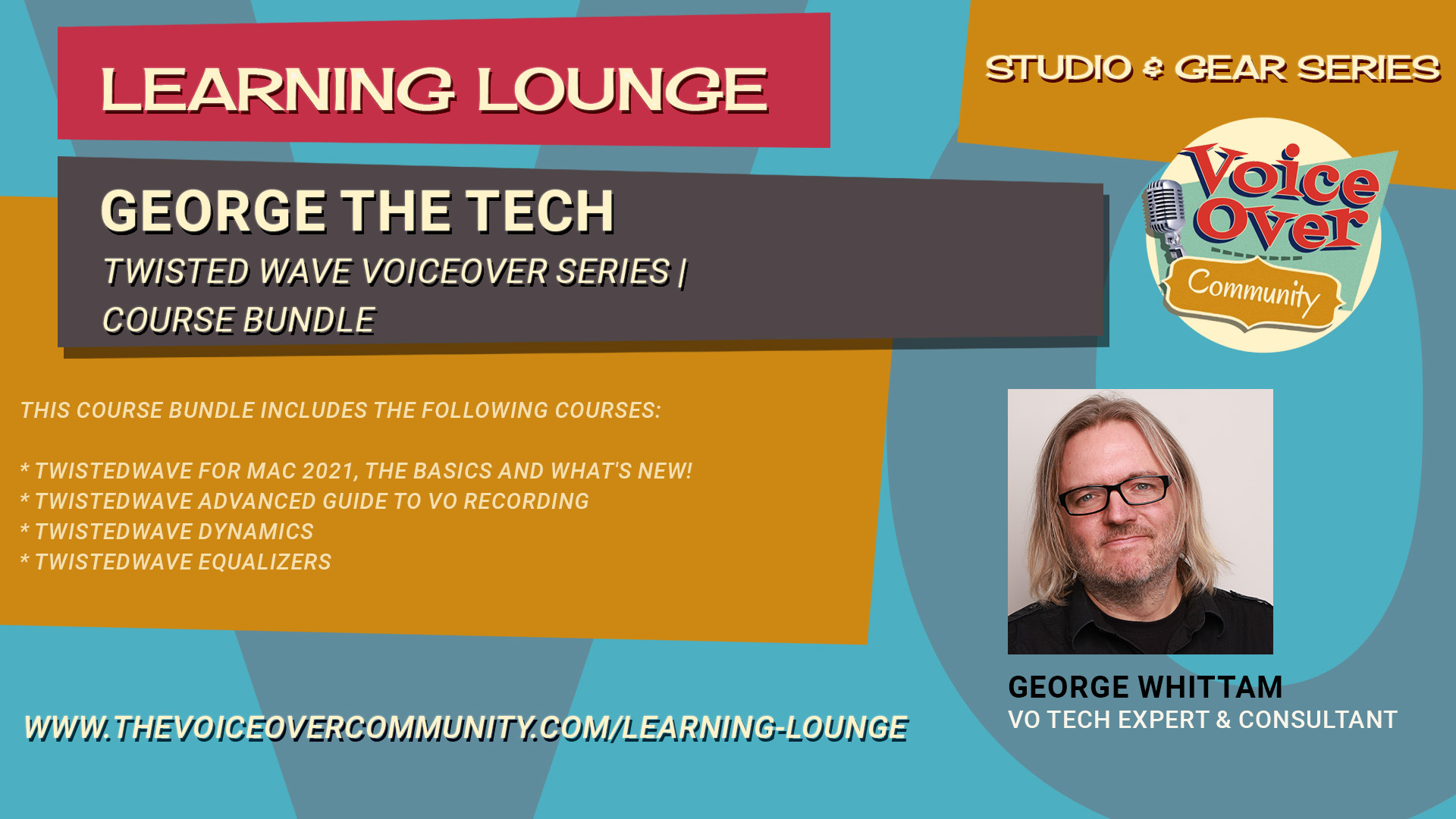
This course bundle includes the following courses:
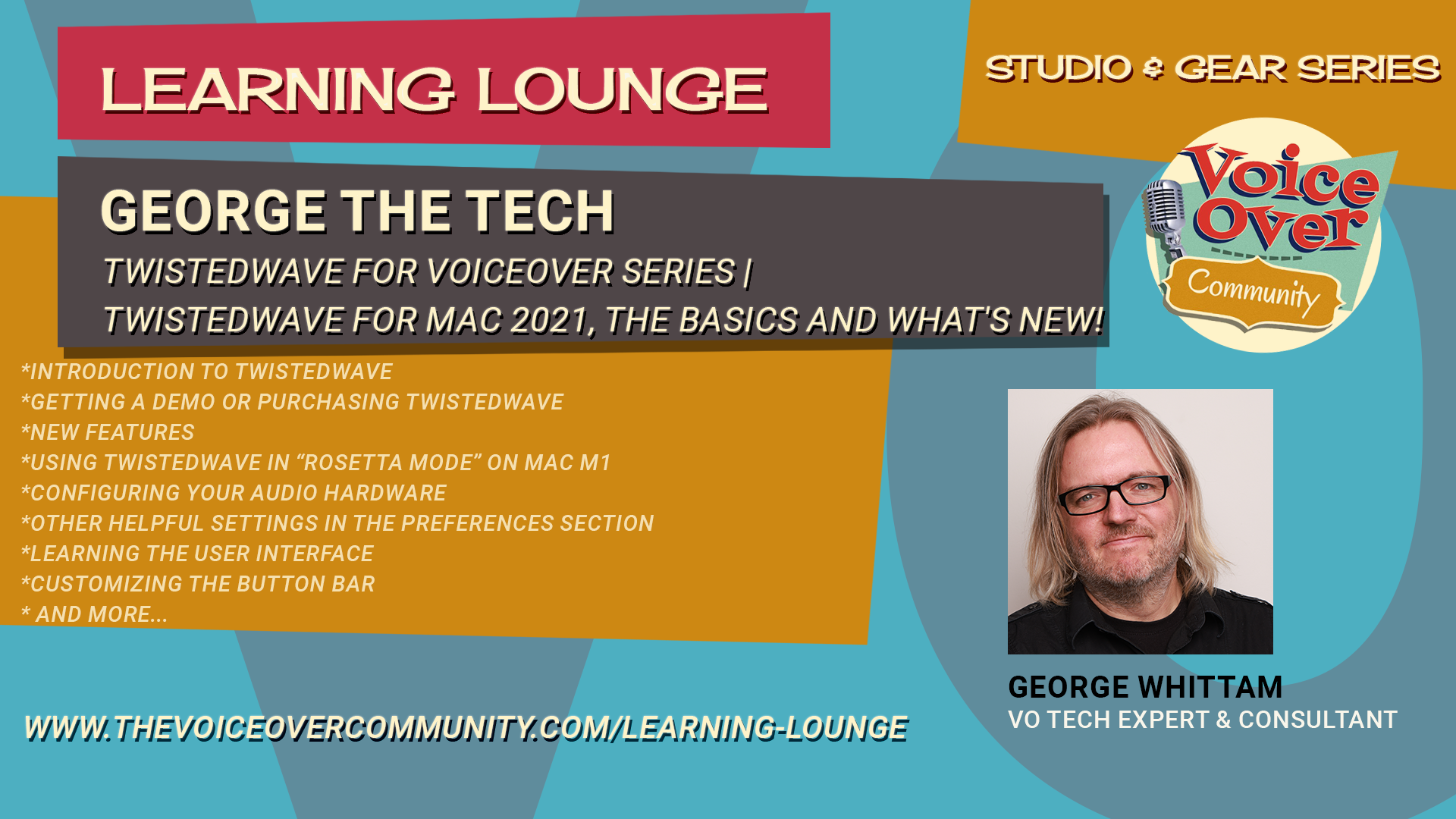
TwistedWave for Mac 2021, The Basics and What’s NEW!
George hasn’t created a TwistedWave webinar or tutorial in years. Finally, it’s time to get up to speed with TwistedWave in 2021.
While much hasn’t changed about the look and interface (one of the many beauties of TW), there are MANY killer features that have surfaced in the last few years that we’ll cover, along with the “getting started” basics.
This webinar is intended for any voice actor who would like to start using TwistedWave with little to no experience with any recording software. George will cover topics specific to the needs of voice actors or anyone recording spoken work. This webinar does not cover multi*track recording production techniques for music, podcasts or video post.
Prerequisites:
Mac OS 10.6.8 or higher (not for iOS)
Audio interface
Microphone (or USB mic)
Headphones
Agenda:
*Introduction to TwistedWave
*Getting a demo or purchasing TwistedWave
*New Features
*Using TwistedWave in “Rosetta mode” on Mac M1
*Configuring your audio hardware
*Other helpful settings in the Preferences section
*Learning the user interface
*Customizing the button bar
*Handy keyboard shortcuts and how to make them
*Recording settings
*Recording audio and setting levels with the meter
*Basic editing tools
*Special Paste with room tone, editor’s secret weapon
*Effects Stacks, a primer
*File formats for saving, MP3 settings
*up to 30 mins of Q n A
TwistedWave Advanced Guide to VO Recording
Dive deep into Twisted Wave, exploring advanced recording techniques including the classic clicker method vs. punch and roll. We’ll discuss noise floor measurements, the usefulness of markers, and how to use the effects menu efficiently. George also highlights new premium features like speech recognition and video editing.
We’ll look into some missing functionalities and recommended third-party plugins, as well as tips on building stacks and utilizing batch processing. Plus, we’ll touch on mastering techniques for auditions and audiobook production. Stay tuned for comprehensive insights and practical demonstrations!
Agenda:
00:00 Introduction and Overview
00:13 Recording Techniques: Clicker Method
00:23 Punch and Roll Recording
00:28 Noise Floor Measurement
00:39 Markers: Usage and Benefits
00:48 Detecting Silences: Pros and Cons
00:56 Exploring the Effects Menu
01:03 Premium Features in TwistedWave
01:27 Missing Features in TwistedWave
01:46 Spot Fixing vs. Global Processing
02:21 Mastering Techniques
02:58 Mastering for Audiobooks
03:27 Demonstration: Recording Techniques
07:18 Punch and Roll: Practical Guide
17:04 Markers: Advanced Tips
32:47 Spot Fixing: Detailed Techniques
42:57 Introduction to Non-Destructive Editing
43:17 Dealing with Keyboard Noise
44:11 Spot Fixing vs Global Processing
44:31 Removing Plosives
46:07 Using High Pass Filters for Plosives
50:24 Avoiding Discontinuities in Audio
55:44 Exploring the Effects Menu
01:14:08 Speech Recognition in Twisted Wave
01:24:14 Video Editing Features
01:27:38 De-Essing Tools and Alternatives
01:29:52 Advanced Noise Reduction Techniques
01:31:48 Multitrack Mixing Limitations
01:33:03 Affordable and Free Plugins
01:39:22 Measuring Room Tone Accurately
01:43:27 Building and Managing Effect Stacks
01:52:09 Batch Processing in Twisted Wave
02:03:53 Q&A Session
TwistedWave Dynamics
Dig in to dynamics with George Whittam!
George will walk you through the essentials of dynamics processing in TwistedWave, focusing on Apple’s built-in audio units. Learn to control audio from very quiet to very loud using tools like normalize, dynamics processor, multiband compressor, and peak limiter. Understand how these plugins work, how to adjust them, and how they affect your audio.
Perfect for voiceover artists, musicians, and audio enthusiasts looking to polish their sound. Learn how to use compressors, downward expanders, and limiters to your maximum benefit.
Plugins covered include:
AUDynamics
AUPeakLimiter
Agenda:
00:00 Introduction to TwistedWave Dynamics Processing
00:38 Exploring Apple Audio Unit Plugins
01:16 Overview of Dynamics Processing Tools
02:08 Recording and Normalizing Audio
04:05 Understanding Peak and RMS Normalization
08:08 Introduction to Compressors and Limiters
08:38 Using the Dynamics Processor
12:13 Experimenting with Compression Settings
22:14 Exploring the Expander Function
31:50 Peak Limiter Explained
38:22 Conclusion and Upcoming Modules
TwistedWave Equalizers
Get the rundown on how to use specific processing tools in your software, starting with how to use the equalizers, the tone controls, and the EQ settings for TwistedWave for Mac OS.
Join George as he provides a detailed tutorial on using various EQ (equalizer) settings and tone controls in TwistedWave for Mac OS. Discover the effects menu and built-in audio units plugins that come with every Mac, including AU Filter, AU Graphic EQ, AU High Pass, AU N Band EQ, AU Parametric EQ, and AU Multiband Compressor. Learn the functions and applications of each tool, from basic adjustments to more advanced techniques, to enhance your audio recordings.
Agenda:
00:00 Introduction to Audio Processing Tools
00:30 Exploring Built-in Mac Audio Plugins
02:28 Understanding the AU Parametric EQ
08:44 Mastering the High Pass Filter
15:54 The Low Pass Filter Explained
16:42 Getting Familiar with the Graphic EQ
23:30 Diving into the N Band EQ
32:23 Discovering the AU Filter
36:26 Bonus: Multiband Compressor Overview
38:15 Conclusion and Upcoming Videos