
SAVE
25%
About Bundle
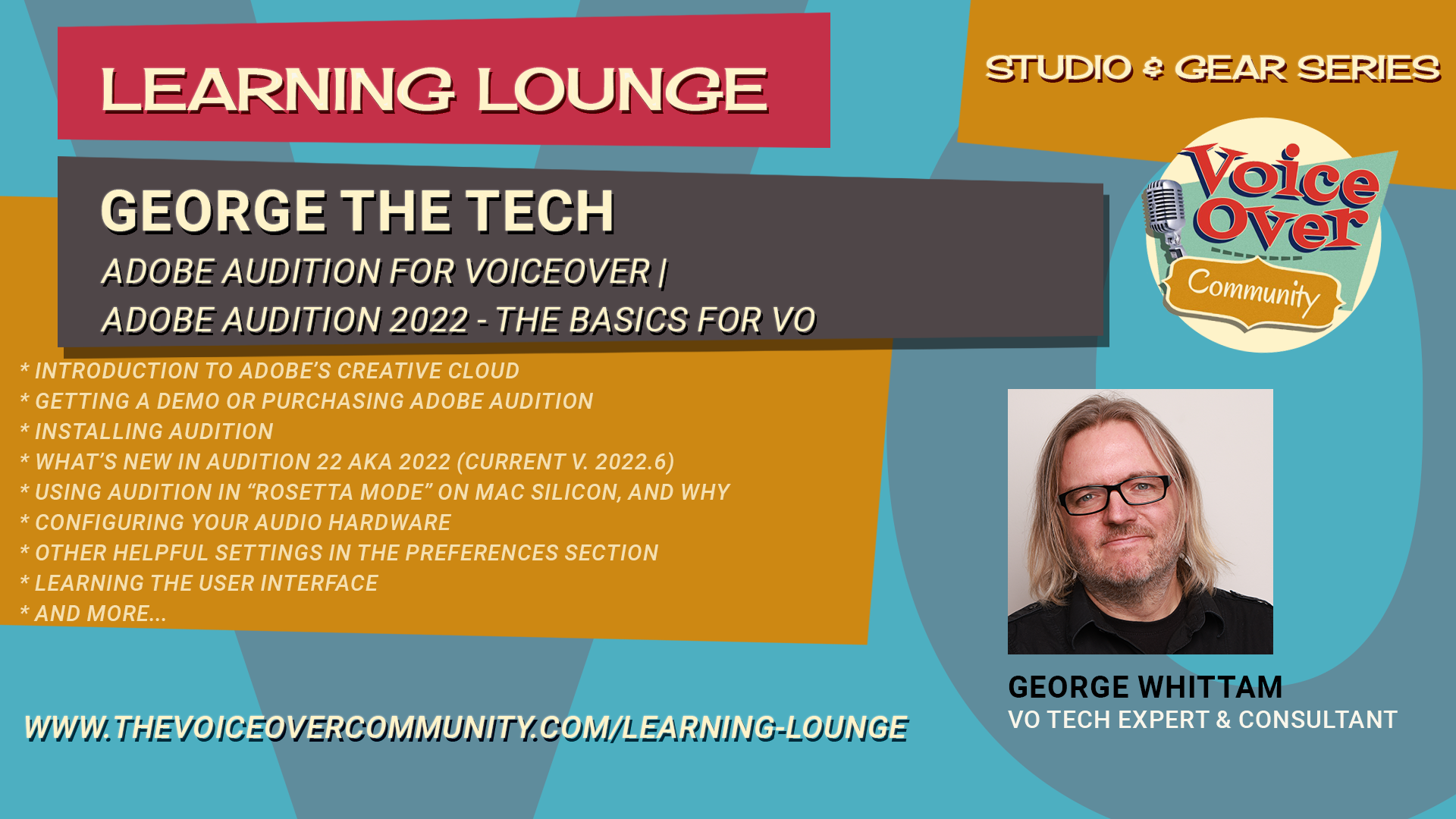
Adobe Audition 2022 – The Basics for VO
This webinar is intended for any voice actor who would like to start using Audition with little to no experience with Adobe Audition or any Adobe products. George will cover topics specific to the needs of voice actors or anyone recording spoken work. New features introduced in 2022 will be highlighted in this presentation.
This webinar does not cover multi-track recording production techniques for music, podcasts, or video.
Prerequisites:
- Windows 10, 11
- Mac OS Mojave or higher
- Audio interface
- Microphone (or USB mic)
- Headphones
Agenda:
- Introduction to Adobe’s Creative Cloud
- Getting a demo or purchasing Adobe Audition
- Installing Audition
- What’s new in Audition 22 aka 2022 (current v. 2022.6)
- Using Audition in “Rosetta mode” on Mac Silicon, and why
- Configuring your audio hardware
- Other helpful settings in the Preferences section
- Learning the user interface
- Workspaces
- Waveform editor
- Multitrack editor (what’s this for?)
- Handy keyboard shortcuts
- Recording settings
- Recording audio and setting levels with the meter
- Basic editing tools
- Mix Paste with room tone, editors secret weapon
- Effects Rack
- File formats for saving, MP3 settings
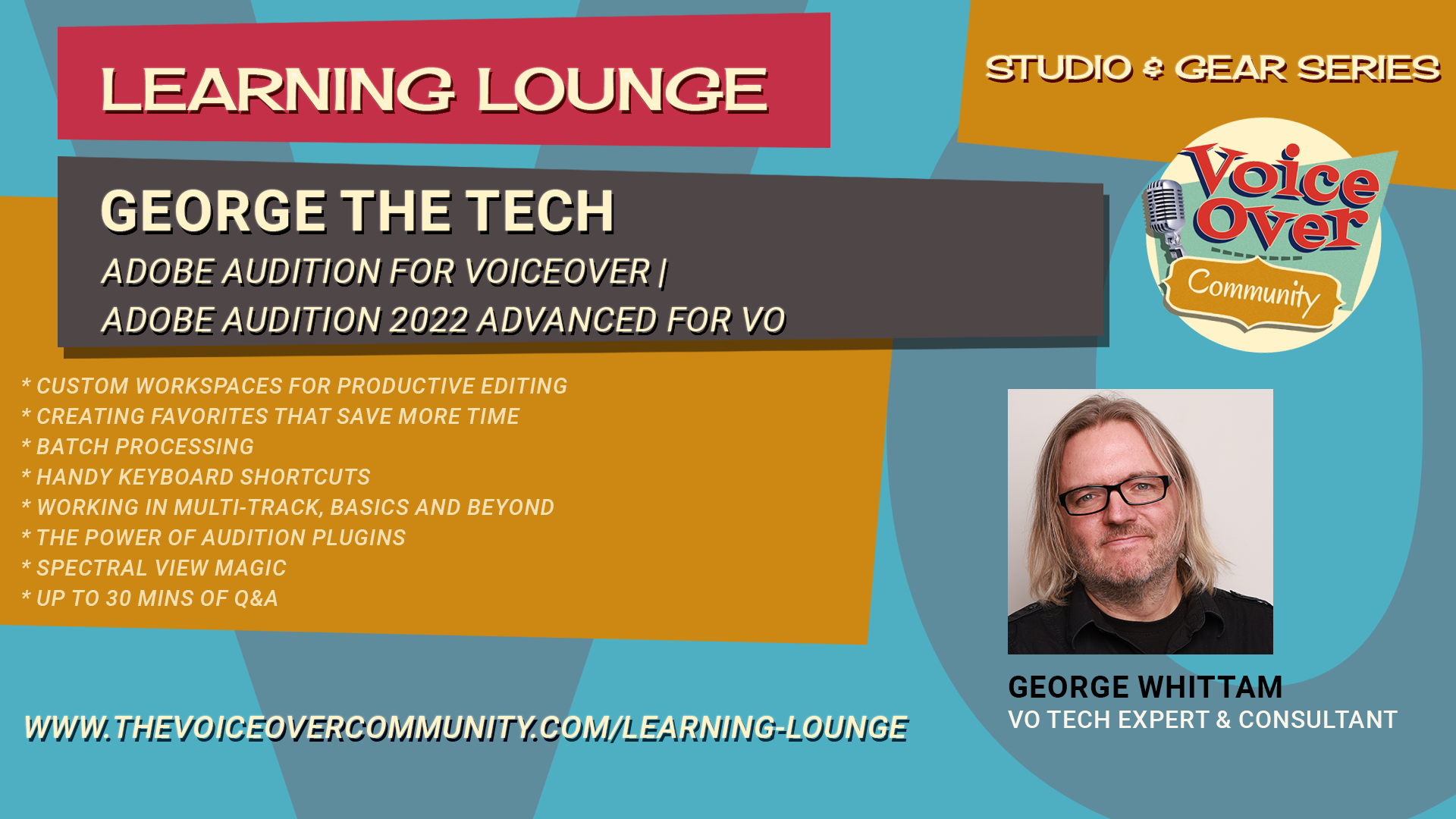
Adobe Audition 2022 Advanced for VO
This webinar is intended for any voice actor that wants to go deeper into the features and customization of Adobe Audition. George will cover topics specific to the needs of voice actors or anyone recording spoken word.
Preparation:
Audition user experience or Audition for VO Primer Webinar
Windows 10, 11
Mac OS High Sierra or higher
Audio interface
Microphone (or USB mic)
Headphones
AGENDA:
Custom Workspaces for productive editing
Creating favorites that save more time
Batch processing
Handy keyboard shortcuts
Working in Multi-track, basics and beyond
The power of Audition plugins
Spectral view magic
up to 30 mins of Q&A
Adobe Audition Dynamics
Learn to use all of the dynamics processing plugins included with Adobe Audition CC (2017 and newer). Dynamics processing controls how much your voice and room tone will change in volume from the loudest to the softest sounds. For example: You can keep those “spikes in your waveform” at bay with a compressor, tame sibilance with a de-esser, and make the finished audio sound louder with a limiter.
George will show you how to tune each plugin with examples you can hear in full studio quality.
You’ll know how to set your plugins quickly for good results, and have a better understanding of what controls in each plugin down and how they affect the sound.
Here are all of the different dynamics plugins you’ll learn in this training module:
Amplify
De-esser
Dynamics
Dynamics Processing
Fade Envelope
Gain Envelope
Hard Limiter
Multiband Compressor
Normalize
Single-band Compressor
Speech Volume Leveler
Tube-modeled Compressor
Adobe Audition Equalizers
Learn to use all of the equalizer and tone processing plugins included with Adobe Audition CC (2017 and newer). EQ processing controls how different parts of your voice sound, from low chest resonance to crips detail. For example: Reduce annoying “rumble” with a high-pass filter, add richness to the voice with a graphic EQ, and make surgical adjustments with a parametric EQ.
George will show you how to tune each plugin with examples you can hear in full studio quality. You’ll know how to set your plugins quickly for good results, and have a better understanding of what controls in each plugin down and how they affect the sound.
Here are all of the different EQ plugins you’ll learn in this training module:
FFT Filter
Graphic EQ (10, 20, and 30 bands)
Notch Filter
Parametric EQ
Scientific Filter
Mastering EQ
Vocal Enhancer
Bonus: Multiband Compressor (a secret EQ!)