
About Bundle
This course bundle includes the following courses:
TwistedWave for Audiobooks
Optimize your audiobook narration and production workflow with George Whittam!
Audiobook narration can be arduous, with long days in the booth, and even longer days editing. Add to that sometimes tight deadlines for publishers and it can be daunting to keep up!
George Whittam has methods to record, edit, proof, and master an audiobook recording that will maximize your productivity, and minimize errors and audio flaws.
In this crazy time-shifted world, if you can’t make it live, don’t worry! The entire presentation will be available for review or rental afterward.
Agenda:
* Mic technique
* Organizing files and folders
* Setting the best recording levels (then forget it!)
* Recording techniques: Straight record, clicker, Punch and Roll and Punch-in Insert
* Using Stacks
* Analyzing audio
* Working with a proofer
* Batch processing with Stacks, automating mastering
* Voice to Text to assist proofing
* Adding plugins clean up mouth noise
* Mastering to publisher specs
* Q&A
TwistedWave Dynamics
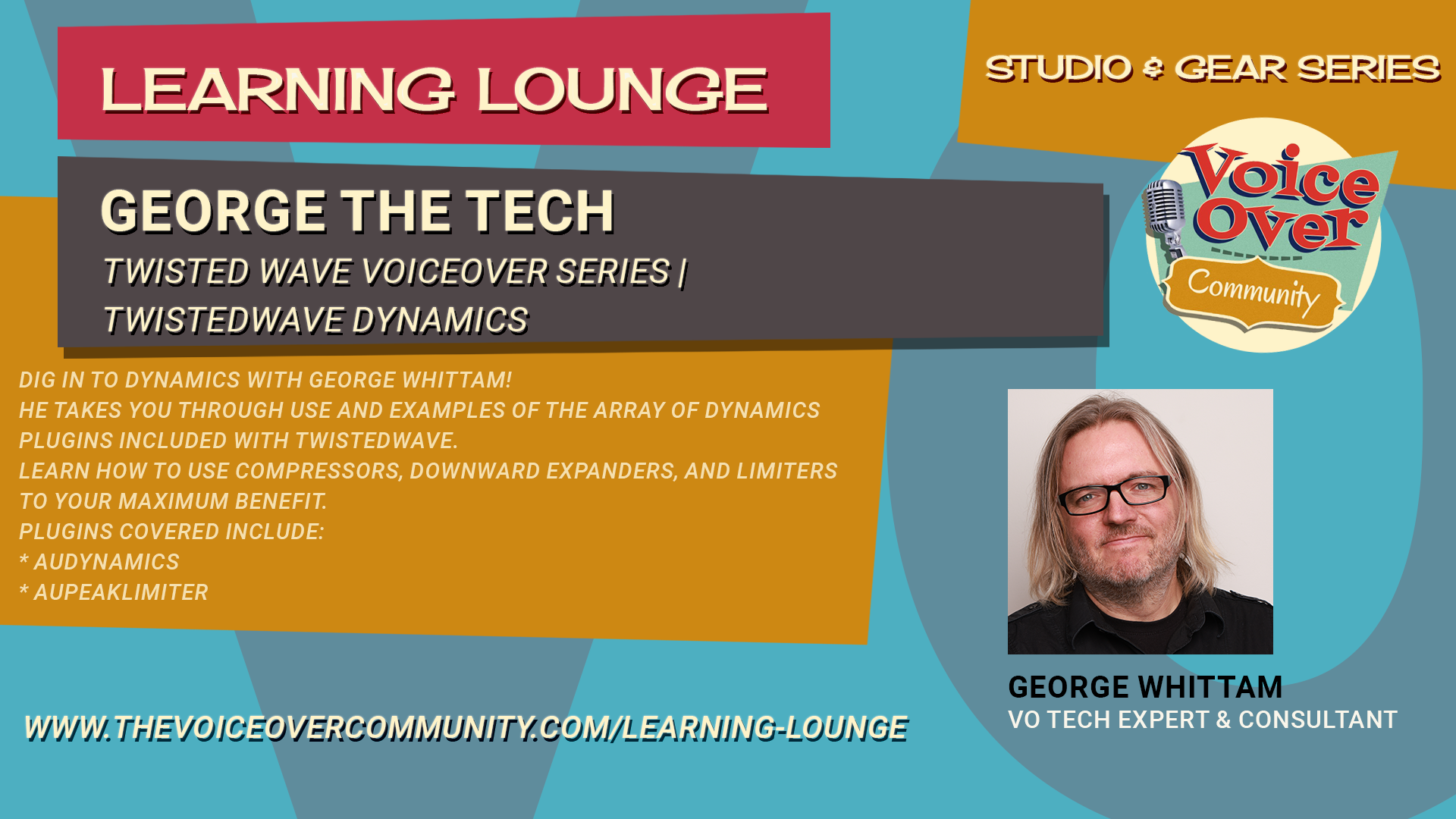
Dig in to dynamics with George Whittam!
George will walk you through the essentials of dynamics processing in TwistedWave, focusing on Apple’s built-in audio units. Learn to control audio from very quiet to very loud using tools like normalize, dynamics processor, multiband compressor, and peak limiter. Understand how these plugins work, how to adjust them, and how they affect your audio.
Perfect for voiceover artists, musicians, and audio enthusiasts looking to polish their sound. Learn how to use compressors, downward expanders, and limiters to your maximum benefit.
Plugins covered include:
AUDynamics
AUPeakLimiter
Agenda:
00:00 Introduction to TwistedWave Dynamics Processing
00:38 Exploring Apple Audio Unit Plugins
01:16 Overview of Dynamics Processing Tools
02:08 Recording and Normalizing Audio
04:05 Understanding Peak and RMS Normalization
08:08 Introduction to Compressors and Limiters
08:38 Using the Dynamics Processor
12:13 Experimenting with Compression Settings
22:14 Exploring the Expander Function
31:50 Peak Limiter Explained
38:22 Conclusion and Upcoming Modules
TwistedWave Equalizers
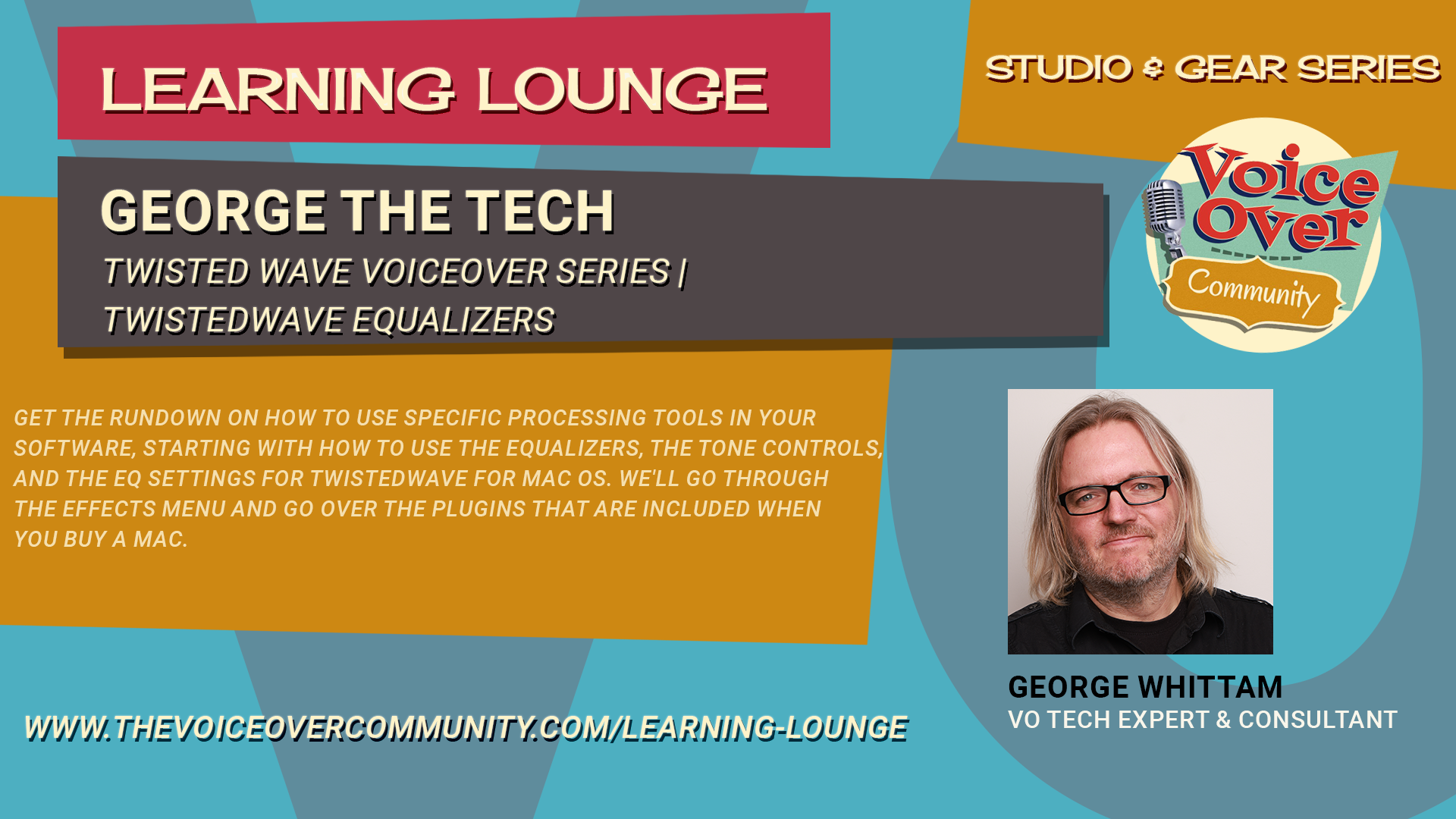
Get the rundown on how to use specific processing tools in your software, starting with how to use the equalizers, the tone controls, and the EQ settings for TwistedWave for Mac OS.
Join George as he provides a detailed tutorial on using various EQ (equalizer) settings and tone controls in TwistedWave for Mac OS. Discover the effects menu and built-in audio units plugins that come with every Mac, including AU Filter, AU Graphic EQ, AU High Pass, AU N Band EQ, AU Parametric EQ, and AU Multiband Compressor. Learn the functions and applications of each tool, from basic adjustments to more advanced techniques, to enhance your audio recordings.
Agenda:
00:00 Introduction to Audio Processing Tools
00:30 Exploring Built-in Mac Audio Plugins
02:28 Understanding the AU Parametric EQ
08:44 Mastering the High Pass Filter
15:54 The Low Pass Filter Explained
16:42 Getting Familiar with the Graphic EQ
23:30 Diving into the N Band EQ
32:23 Discovering the AU Filter
36:26 Bonus: Multiband Compressor Overview
38:15 Conclusion and Upcoming Videos